ROS 1
ROS 2
✨ ROS 2 Now Available
Quest2ROS
A Meta Quest app for robot teleoperation. Controller poses, velocities, and button inputs are published as ROS topics; haptic feedback can be sent back to the controllers.
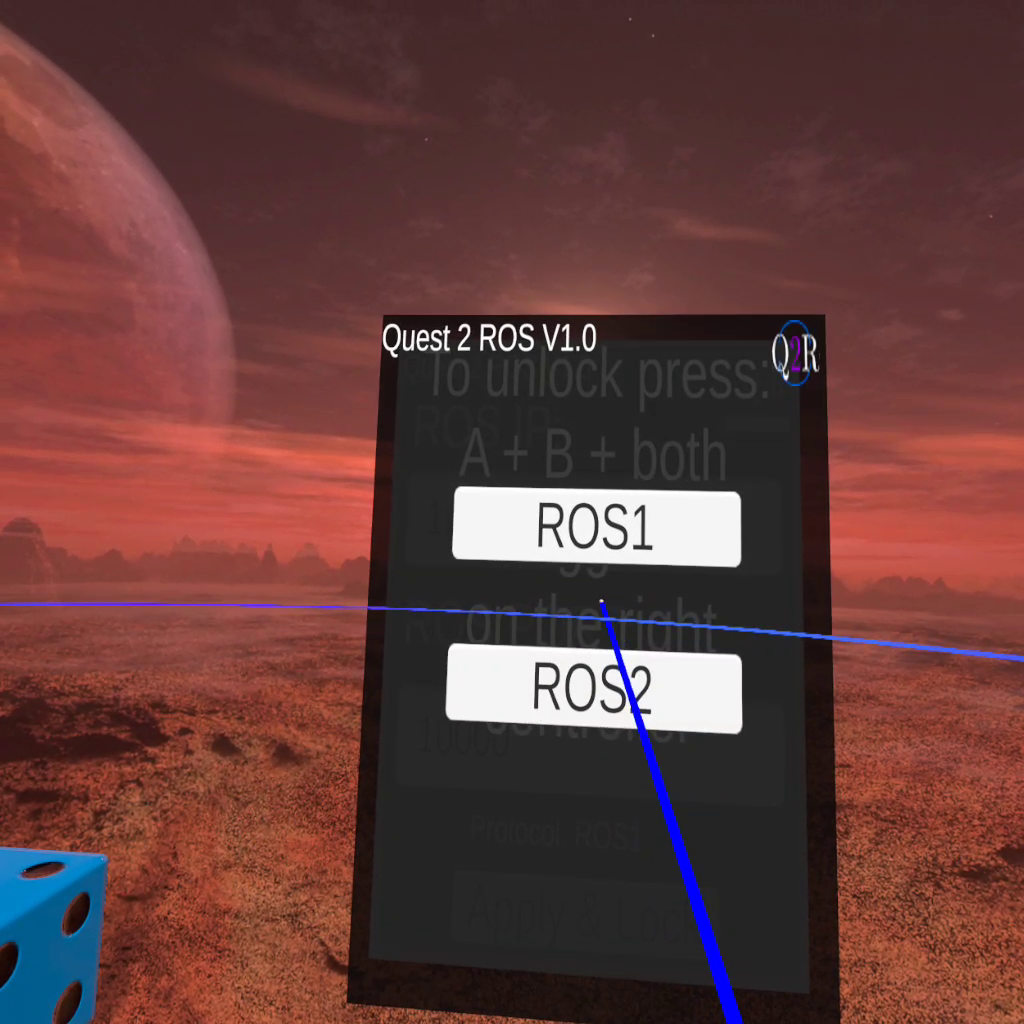
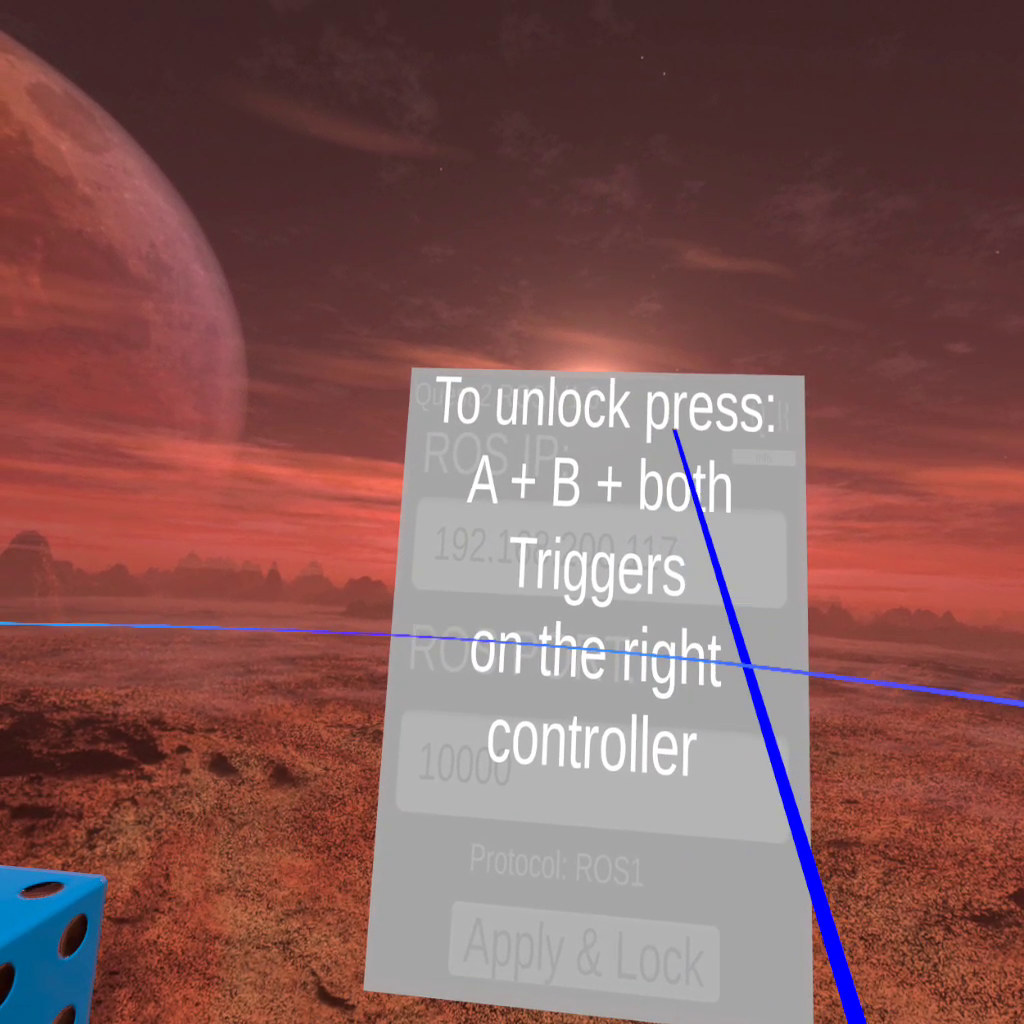
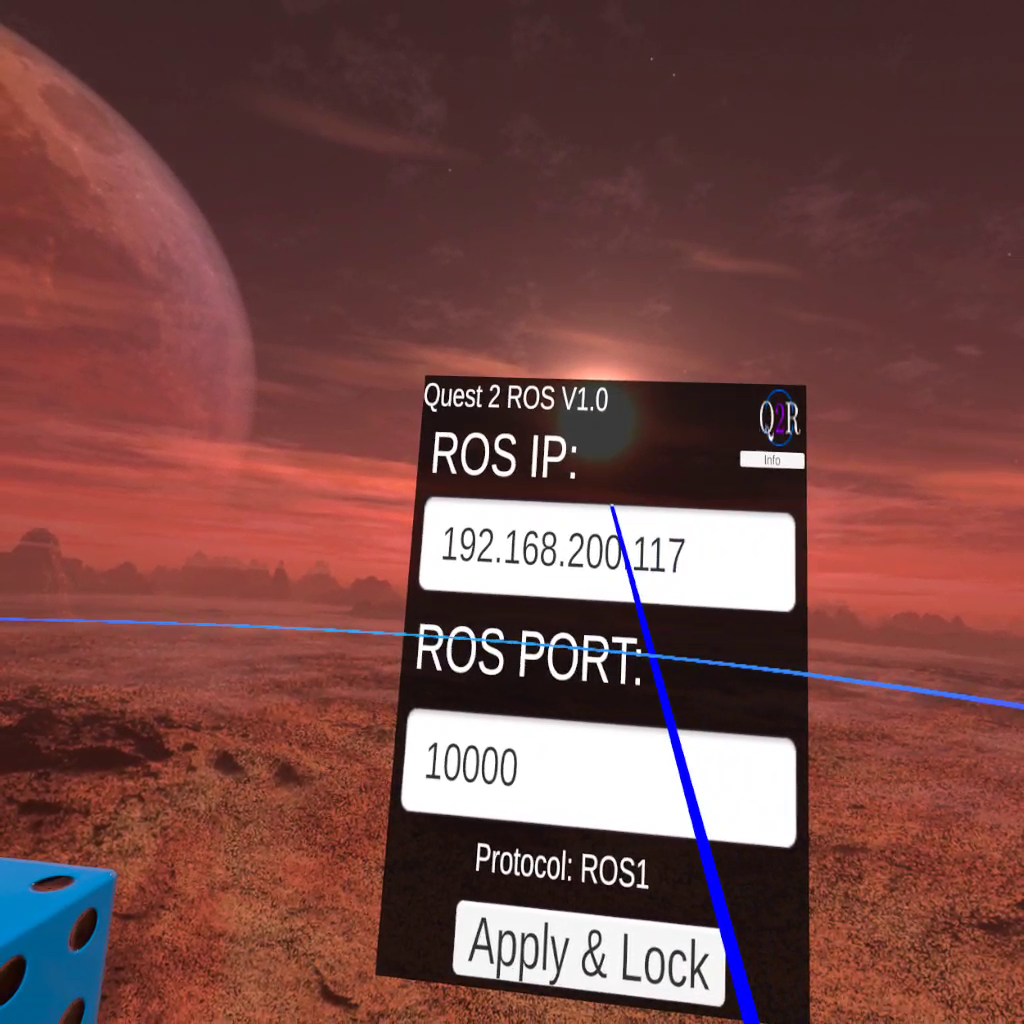
A Meta Quest app for robot teleoperation. Controller poses, velocities, and button inputs are published as ROS topics; haptic feedback can be sent back to the controllers.
Measured Performance
What It Does
The app connects to a ROS-TCP-Endpoint on the same network and begins publishing controller data immediately.
6-DOF pose (position & orientation) for both left and right controllers streamed as PoseStamped messages.
Linear and angular velocities published as Twist messages, ready to pipe directly into your robot's motion stack.
All buttons, thumbstick axes, trigger values, and finger-pressure data exposed via custom OVR2ROSInputs messages.
Subscribe to vibration commands with configurable frequency and amplitude to drive each controller independently.
Hold A+B or X+Y for 4 seconds to align the VR coordinate frame with your robot's reference frame. A haptic vibration confirms the calibration.
Data is sent directly to the ROS-TCP-Endpoint on your own machine. No cloud relay involved.
Calibration to robot frame
Example usage on Franka Panda (10× speed)
ROS Interface
Six published topics — three per controller — plus two haptic feedback subscribers.
Custom message fields:
Quick Start
Requires the Quest app, the ROS-TCP-Endpoint, and both machines on the same network.
Download Quest2ROS from the Meta Quest Store onto your headset.
Clone the main branch and the standard ROS-TCP-Endpoint into your catkin workspace.
Start the endpoint on your Ubuntu machine. Note your local IP address.
Open Quest2ROS, select ROS 1, enter the machine IP and port 10000, and tap Connect.
Press A+B (right) or X+Y (left) simultaneously to align the VR frame with your robot's reference frame.
Citation
Please cite the workshop paper:
Michael C. Welle, Nils Ingelhag, Martina Lippi, Maciej Wozniak, Andrea Gasparri, Danica Kragic.
Quest2ROS: An App to Facilitate Teleoperating Robots.
7th International Workshop on Virtual, Augmented, and Mixed-Reality for Human-Robot Interactions, 2024.